

Sign out from the account or delete your salon's account
You can sign out the salon’s account and delete the salon profile under Settings → Profile → Account.
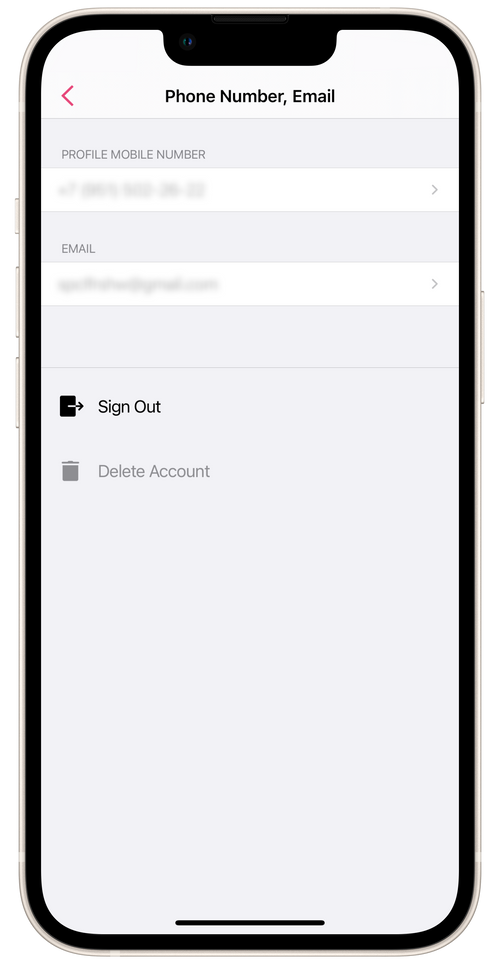
Sign Out Current Account
Section titled “Sign Out Current Account”All your salon’s account details are saved on a server. With the following authorization, they will be downloaded to the app.
Delete Salon’s Account
Section titled “Delete Salon’s Account”⏵ Deleting the Account means you will delete the salon’s public profile and all your data from the service Masters.
💡 If you have deleted your Account by mistake and want to restore it, contact our Support Team via email: support@masterspro.app