

Staffer break after appointment
You can set a break after appointments for a staffer under Settings → Online Booking Settings. Choose the staffer you want to want to configure breaks for.
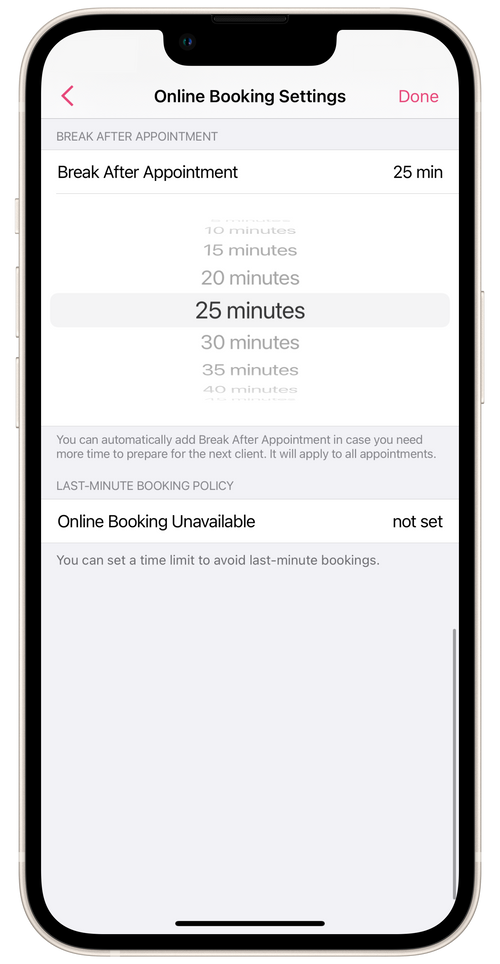
Break After Appointments – this is a length of time that is automatically added to the duration of an appointment. For example, if an appointment lasting one hour began at 9:00 AM, and you have set breaks for the salon staffer at 25 minutes, then the 25-minute break is automatically added to the duration of the appointment. The next available time for booking will begin 1 hour and 25 minutes later, i.e. at 10:25 AM.
If the time slot is the staffer’s last one of the day and the activated break after appointments goes past the end of the working day, the break won’t be added, so that clients will be able to book that final slot.
💡 You can only set up a break if the staffer has Booking Slot scheduling option set up.
► Breaks After Appointments can also be set up for staffers on their profile with the salon. Go to Menu → Staff Members, choose the staffer you want, and open Online Booking on their profile.