

Days off
To set up days off, go to Settings → Days off:
- Choose the location for which you want to add days off.
- On the calendar at the bottom, mark days off by tapping on the required dates.
- To remove a day off, tap on the date again.
- Tap Done.
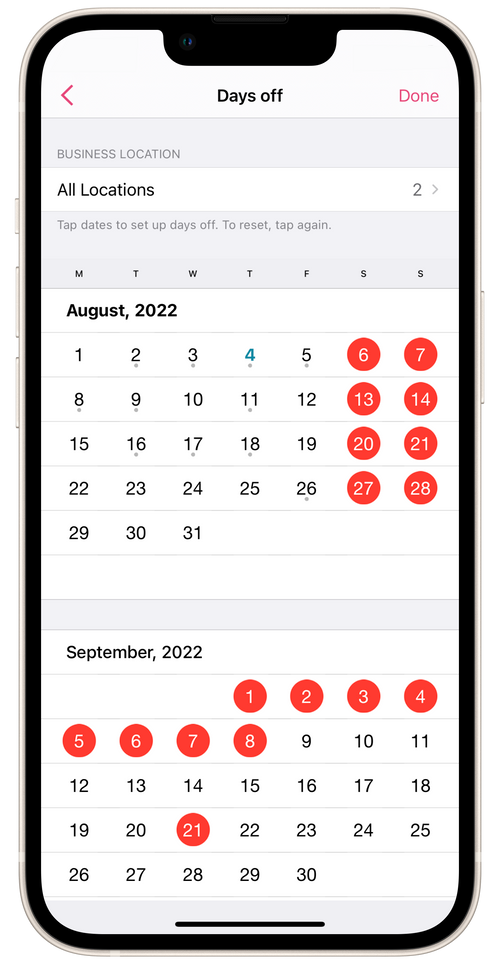
To set up days off, go to Settings → Days off: