

Log out and delete masters account
You can log out of your account or delete it under Settings → Profile → Account.
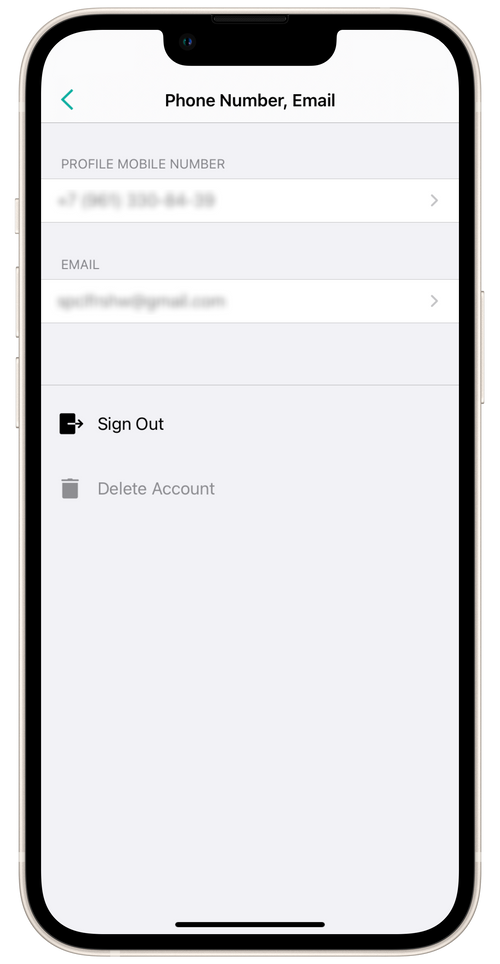
Sign out
Section titled “Sign out”All account information is saved on the server. The next time you authorize, it will be downloaded to the account.
Delete account
Section titled “Delete account”⏵ Deleting your user account will involve the deletion of all your information from the Masters service.
💡 If you have deleted your account by mistake, get in touch with our Support Team via our email support@masterspro.app