Cancel confirmation
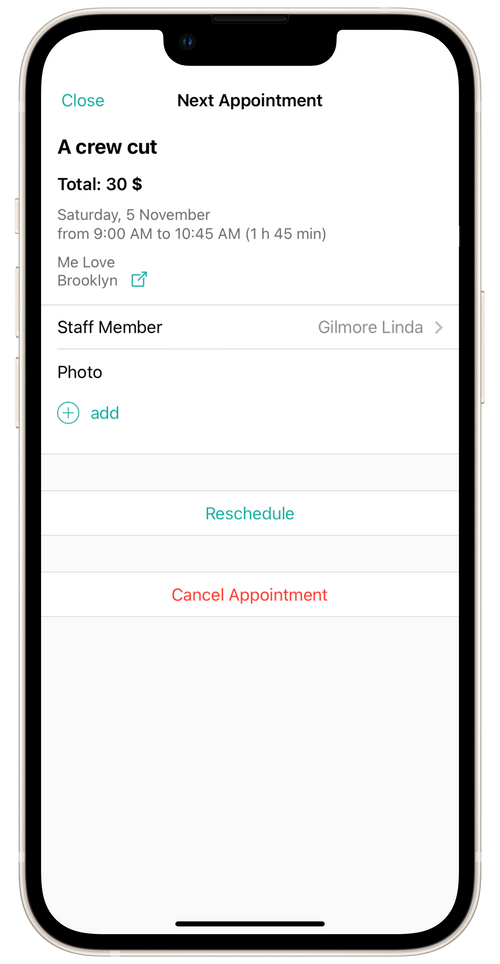
- Open the Appointments section.
- Choose the required appointment and tap Cancel Appointment.
- Enter the reason for canceling.
After the cancelation, the stylist/salon will get a notification that you have canceled the appointment. Your reason for canceling will be displayed in the notification.
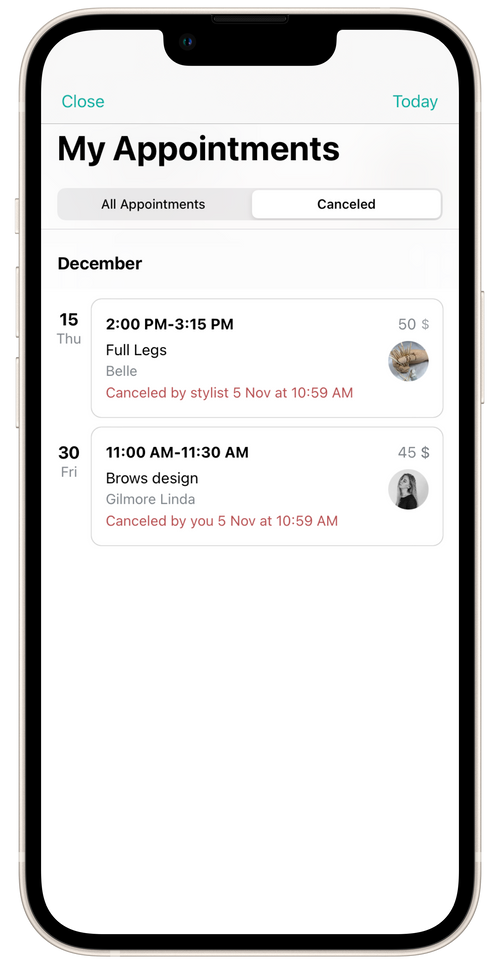
You can view canceled appointments in the Cancelled tab of the Appointments section. The canceled appointments will show the date and reason for canceling.