

Price List Export
You can share your salon’s price list with clients by sending them a message or posting on social media. You can display a price list under Settings → Price List Export.
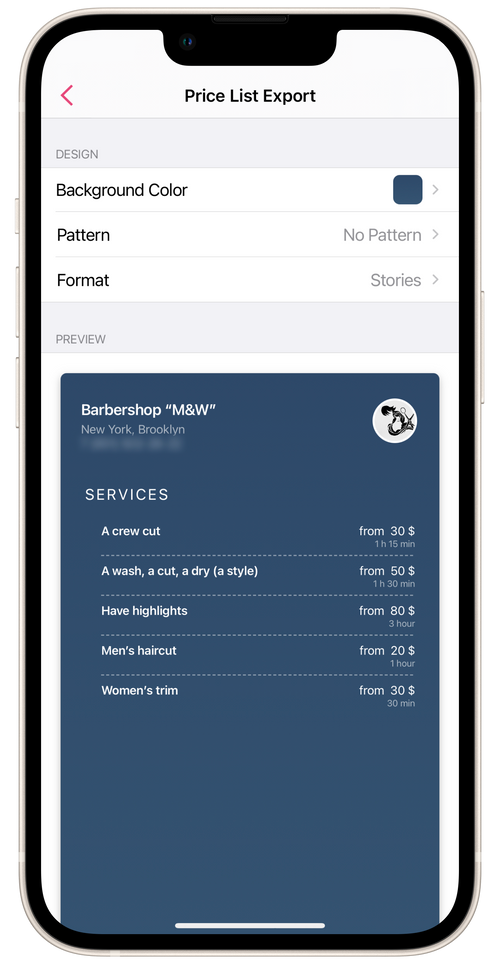
- Set the background color and pattern.
- Select the display format: stories or square.
- Tap Share.
- In the new screen, choose a format for sending or posting your price list.
All the services provided by staffers in your salon and available for booking will be displayed in the price list.