

Add client group
You can add a client group under Menu → Clients.
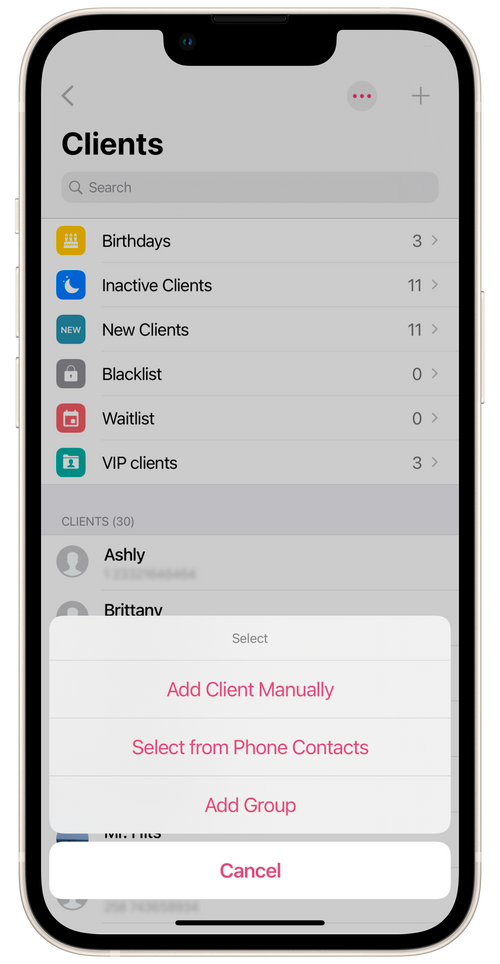
- Go to Clients and tap + in the top right corner.
- Choose Add group.
- Give the group a name (for example, Regular clients) and choose the client contacts to add to it.
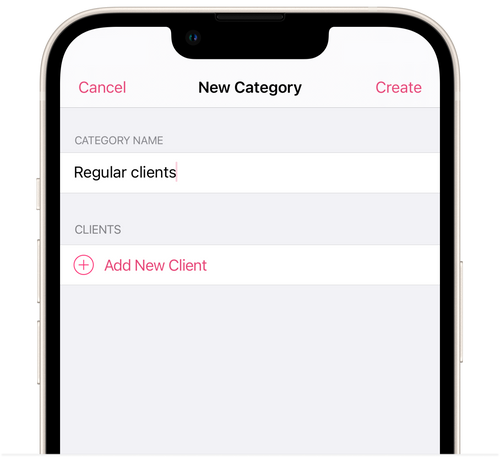
- Tap Create.
Client groups can be used to apply group discounts and send group messages.