

Update Data
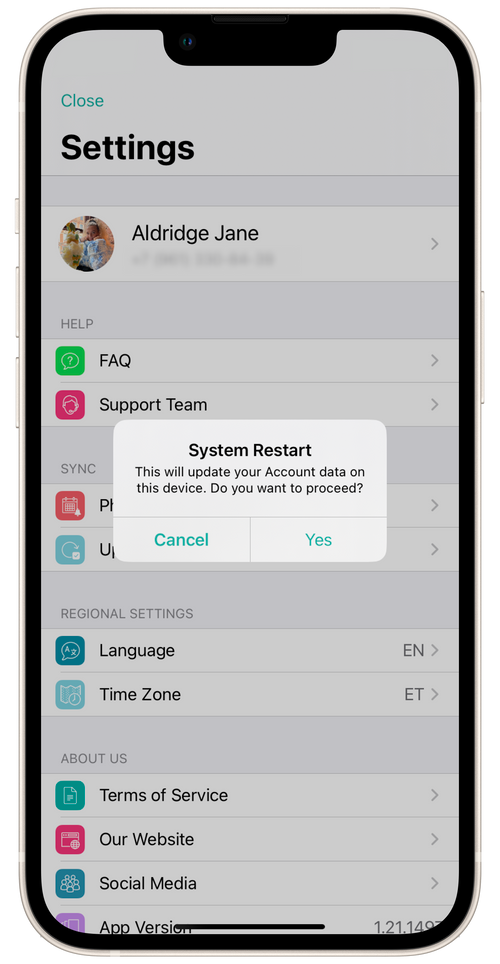
If you have noticed that some information in the app has not been updated after a change or is not displayed (appointments, beauty pro/salon, chats, etc.), update the data under Settings → Update data.
💡 Our app needs stable access to the Internet.
Data may be delayed in updating. The most important thing is not to worry! If you have some questions about updating data and you need help, write to us in the Support Team chat in the Messages section.