

Time sticking
Time Sticking – a feature that helps improve your efficiency by optimizing your schedule. The feature prevents situations where you have two appointments in a day: one in the morning and one in the evening. Time Sticking is suitable for professionals with fewer daily appointments.
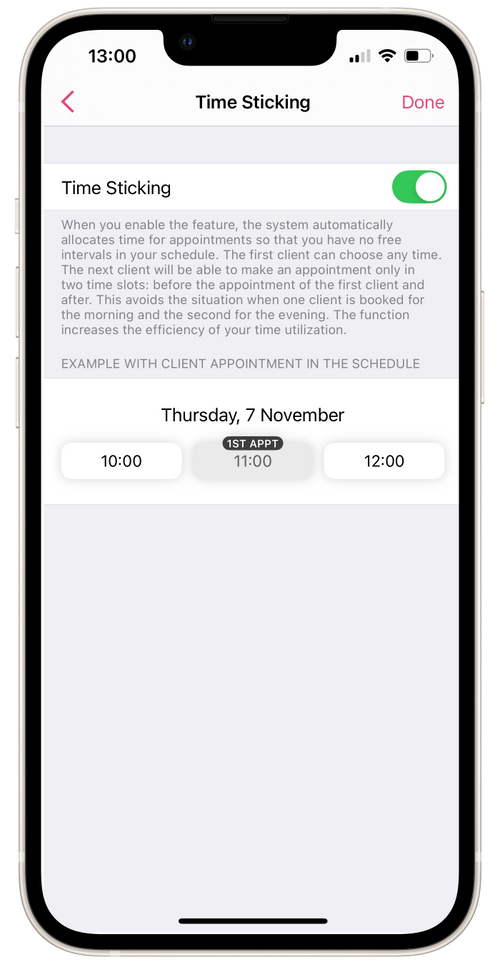
When the feature is enabled, the system automatically allocates appointment times so there are no gaps in your schedule. The first client can book at any time. Subsequent clients can only book during two available slots: before the first client’s appointment and after.
To enable the feature:
- Go to Settings.
- In the Online Booking field, select the workplace.
- Click on Time Sticking and toggle the switch to On.