

Days off
You can configure non-working days (days off) for the salon and for each staffer under Settings → Days Off.
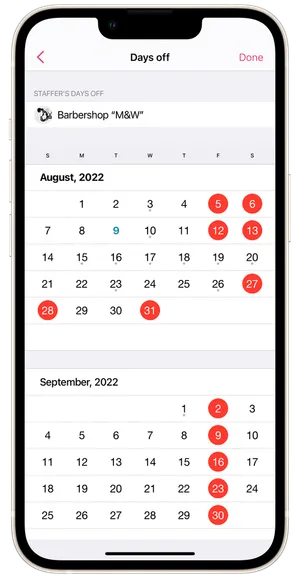
- Select the salon or staffers whose days off you want to set up.
- Mark the days off in the calendar by tapping the dates.
- To delete days off, tap the dates a second time.
- Tap Done.
Staffer days off can also be configured under Menu → Staff Members on each staffer’s profile.