

Add Expenses
You can add salon expenses under Menu → Expenses.
Before adding expenses, you can create categories and brands for them.
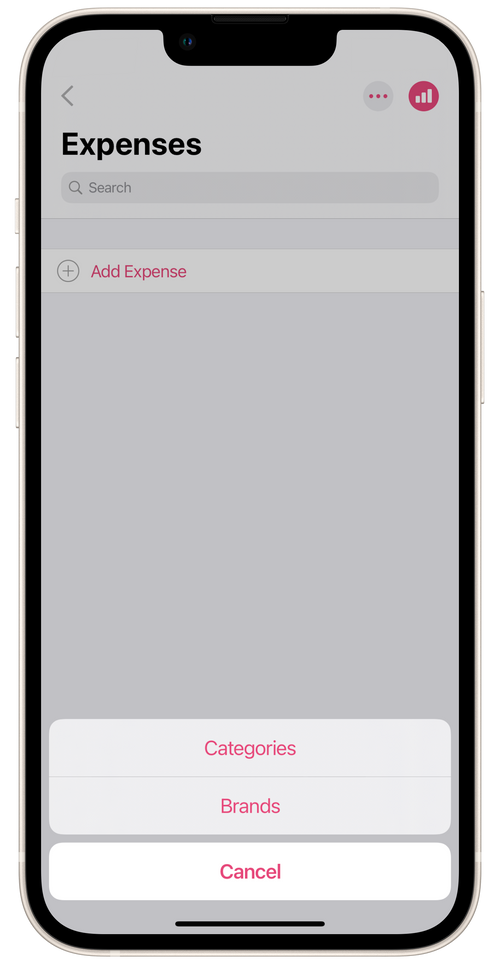
To add expense categories:
Section titled “To add expense categories:”- Tap the three dots in the top right corner of the section.
- Tap Categories and then Add Category.
- Add the name of the category. For example, Materials.
- Pick a color for the category.
- Tap Done.
To add a brand for expenses:
Section titled “To add a brand for expenses:”- Tap the three dots in the top right corner of the section.
- Tap Brands and then Add brand.
- Give a brand name.
- Tap Done.
Adding expenses:
Section titled “Adding expenses:”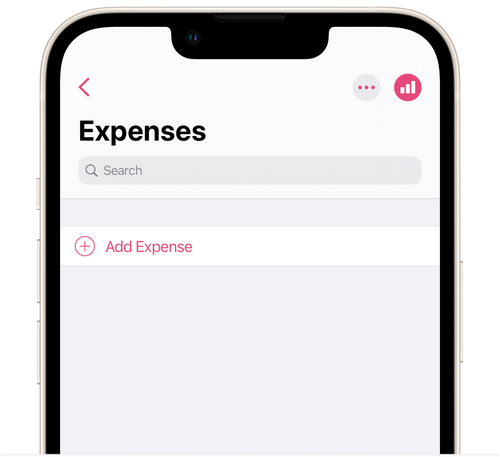
- Tap Add Expense.
- Give the date and name of the expense.
- Choose a category and brand for the expense, or leave the field as default – No category/No brand.
- Set the unit price.
- Choose the quantity bought. After you enter all the data, the total cost will be calculated automatically.
- Add comments on the expense as needed.
- Tap Done.
💡 You can find an expense report in the section Menu → Accounting → Expenses by tapping the bar graph icon in the top right corner. Or you can navigate the menus to Menu → Reporting → Select Report → Expenses.