

Synchronization with phone calendar
You can synchronize your appointments in the app with your phone calendar. All appointments will appear as events in your calendar.
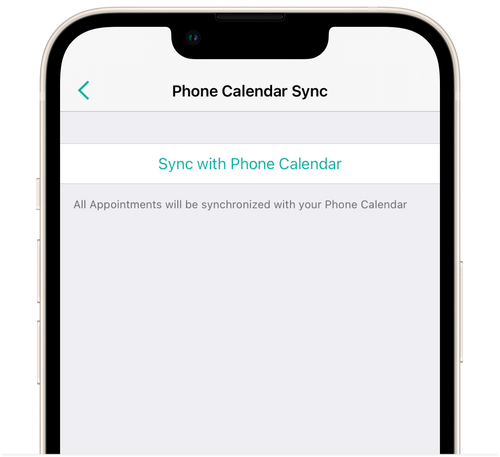
- Go to Settings → Phone Calendar Sync and tap Sync with Phone Calendar.
- The Calendar app will open with a page for adding a subscribed calendar.
- Tap Subscribe.
💡 Events are synchronized in the phone calendar only for the previous month from the current date starting from the 1st.