

Share link to salon online booking page
You can share a link to your salon’s online booking page under Settings → Online Booking Page.
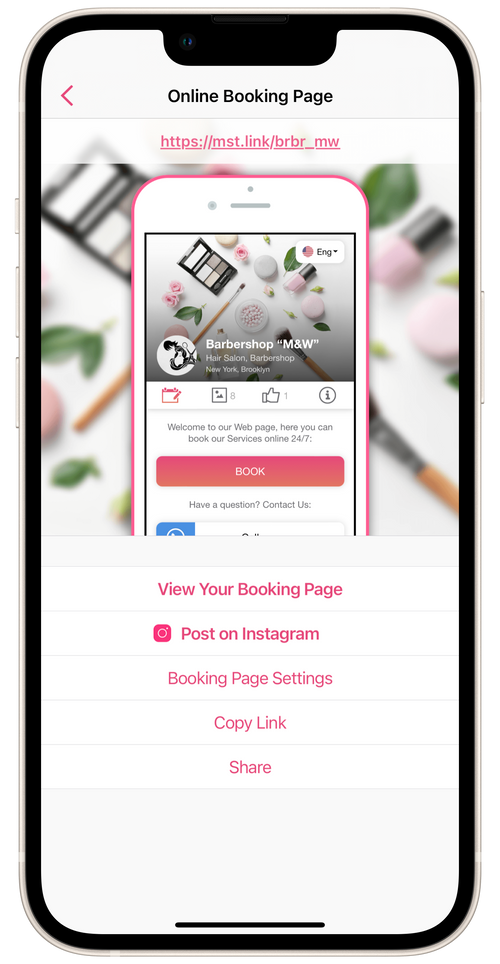
- To post the link on Instagram, open the Post on Instagram section and follow the posting instructions. You can share the link in stories, a post, or direct messages to clients.
- You can share the link by sending a personal message to a client. Tap Share, then choose the method of sending (messaging apps, text message, email, etc) and the client. For sharing, the message template with a link to the online booking page is used.
- Tap Copy link if you would like to send or share the link to the salon’s online booking page by another method.
► To create a QR code for your salon’s online booking page, use another service.