

QR codes
A QR code is used in the Salon application to quickly add another person to the account administration.
The current Salon administrator shows the QR code to the new administrator, who scans the code with their phone camera. The existing administrator, who joined using an SMS code, can modify the access permissions of administrators who joined via a QR code.
How to Configure
Section titled “How to Configure”To open the Salon QR code:
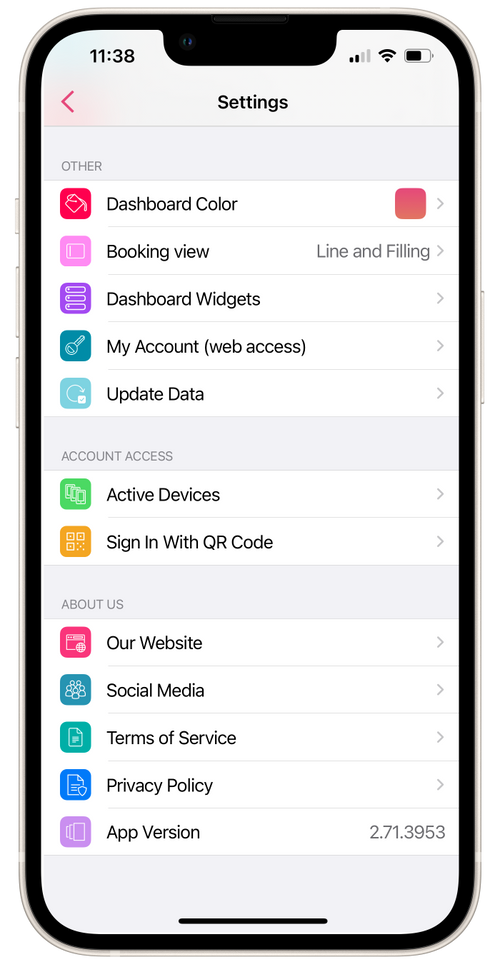
- Go to Settings.
- In the Account Actions section, click on QR Code for Login.
- Show the QR code to the new administrator.
- The new administrator’s device will appear in the Access to Account → Active Devices section.
- When navigating to the device entry, you can change permissions by adjusting the switches to the desired