

Active devices
Active Devices is a section in the application where the salon administrator can check who else has access to manage the account. In this section, an administrator who joined the account via SMS code can configure permissions for other administrators.
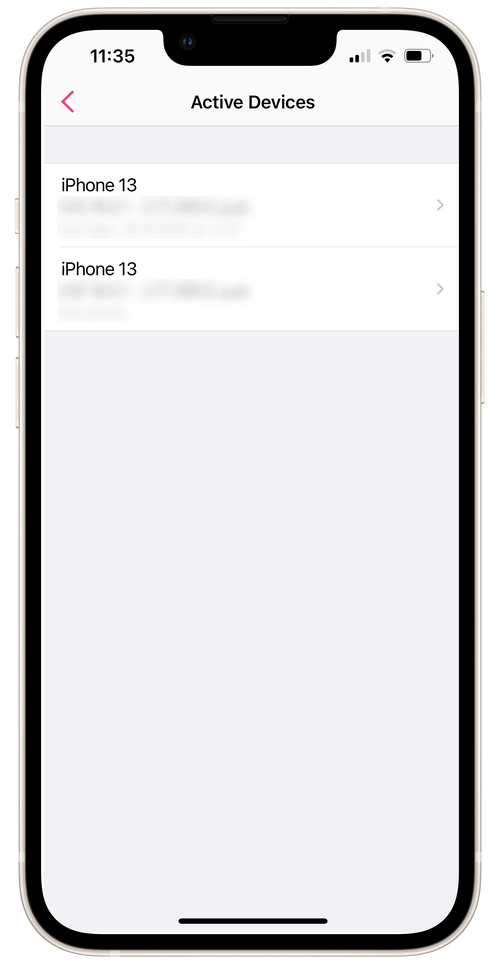
How to find the section:
- Go to Settings → Active Devices.
- In the Device field, you can find information about devices connected to the account.
In the Permissions field, you can change account permissions for each administrator.