

My Account (Web Access)
You can go to your salon’s account page:
- in the Masters Salon app under Settings → My account (web access);
- in any browser on a mobile device or computer via this link: https://prod.masterspro.app/account/auth/login (at the top of the screen, you should switch from Beauty Pro mode to Salon mode).
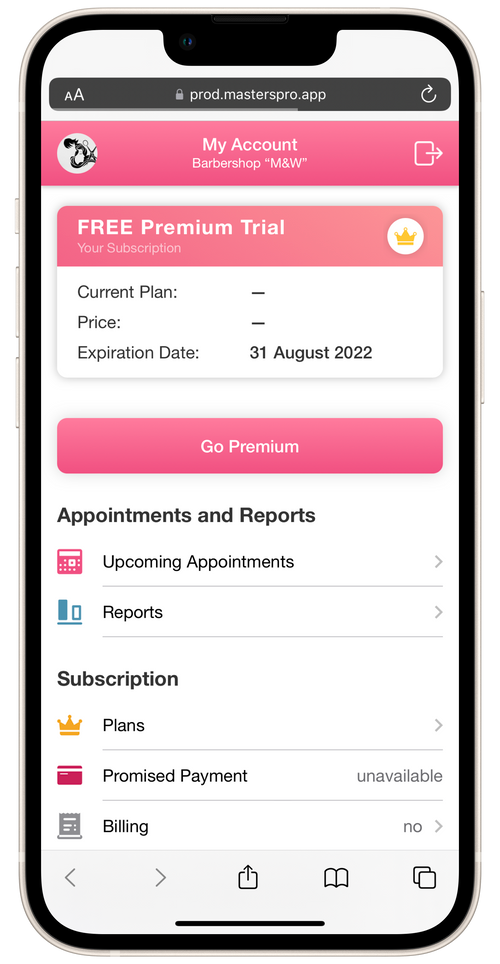
In the salon’s account page you can:
- view the details of your salon’s subscription;
- verify staffers’ appointments;
- go over statistics;
- change or pay for your subscription, use Promised Payment (if available), view your app payment history;
- view and configure salon’s web page.
To leave your account page, tap Exit in the top right corner of the screen.
On your account page, you cannot add/change appointments, view client information, send messages, etc. Full working capabilities are available only in the app on a mobile device.