

Break after appointment
You can set up a break after appointments under Other → Profile&Settings → Online Booking Settings.
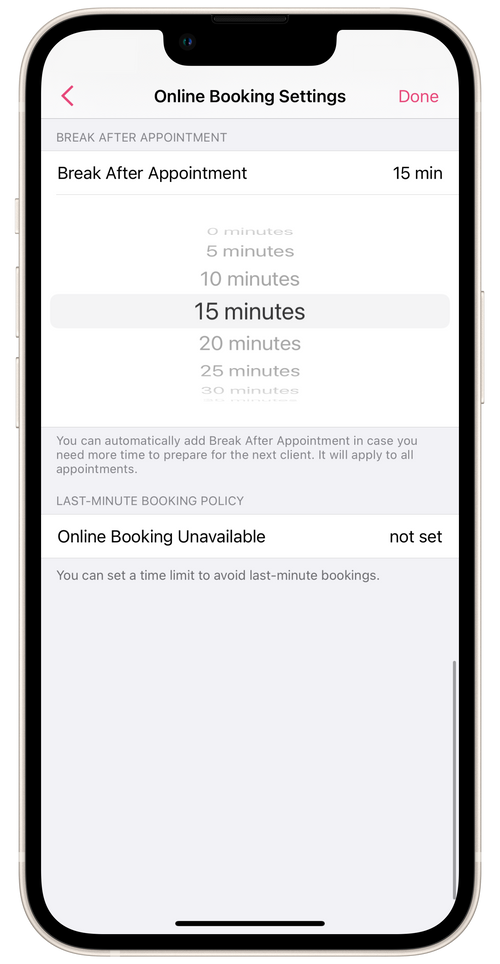
Break After Appointment - this is an amount of time that is automatically added to the duration of an appointment. For example, if an appointment lasting two hours began at 11:00 AM, and you set a 15-minute break after it, then the 15-minute break will automatically be added to the appointment. The next free time slot will be available in 2 hours 15 minutes, i.e. at 1:15 PM.
If the booking slot is the last one before the end of the day and the break runs past the end of the working day, it will not be added.
💡 Breaks after appointments can only be activated with Booking Slots scheduling option.
⏵ Online Booking is configured separately for each business location.