

Change phone number and email address
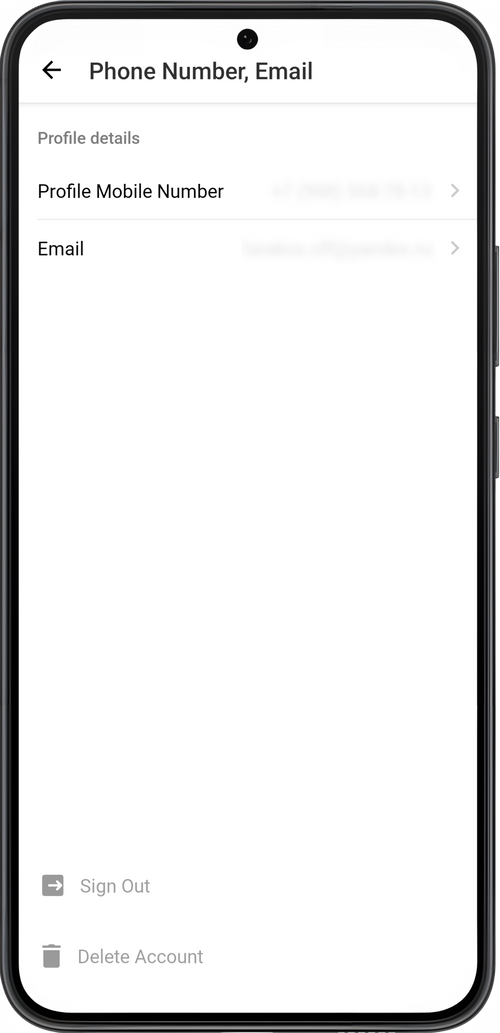
You can change the phone number and email address of your account under Settings → Profile → Account.
Change phone number
Section titled “Change phone number”Tap your current number, then Send Request. This will open the Support Team chat. Enter your new phone number and send the message. We will answer your message in the app chat and change your number.
Change email address
Section titled “Change email address”Tap on your current address. In the Email field, delete your old email address and enter your new one. Save it. A confirmation email will be sent to your new address.
💡 Email is required for recovering access to your user account in case of a loss you device. You can also receive app notifications by email.