

Messaging app settings for client reminders
Go to Settings → Client Reminders&Notifications → Messaging Apps Settings.
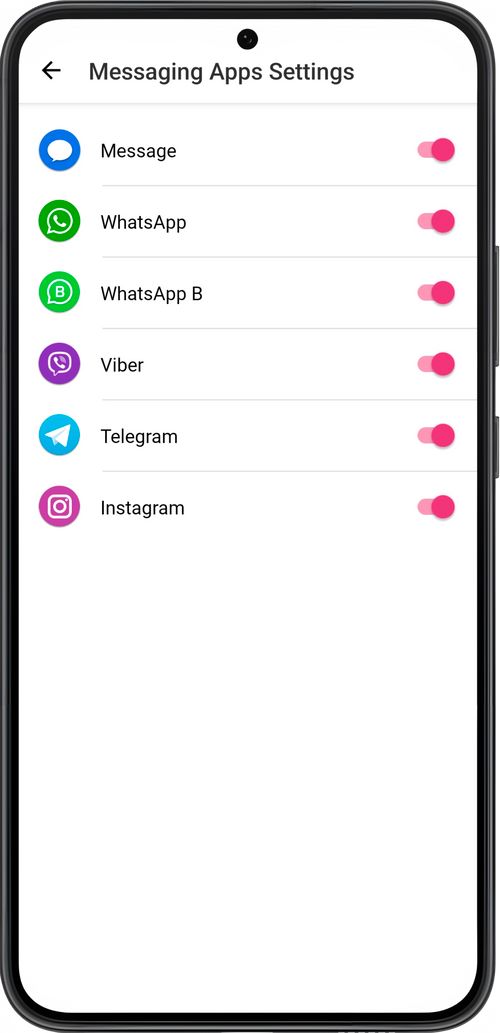
Activate the messaging apps that you will use for sending notifications to clients. These messengers will be displayed on the send-message screen.
💡 To send messages to Facebook Messenger and Instagram, links to their profiles on this social media must be added to client cards.