

Professional portfolio
You can manage your Portfolio under Menu → Gallery.
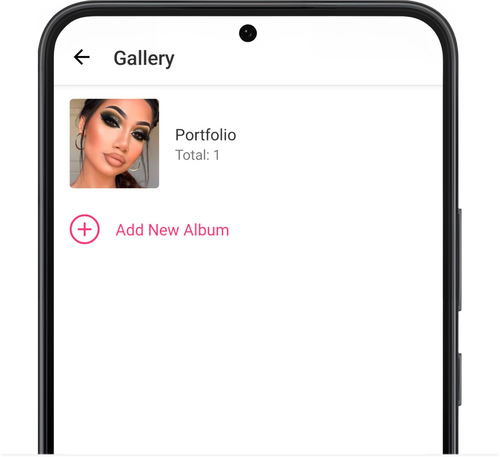
Create new album
Section titled “Create new album”- Go to Menu → Gallery.
- Tap Add New Album.
- Enter a name for the album.
- Tap Create.
Add photo
Section titled “Add photo”- Open the album you want and tap on the + button.
- Add a photo from your phone gallery or shoot a new one.
- After uploading the photo, you can add comments to it. Open the photo and click on the Comment field at the bottom.
💡 To add photos to your album, you have to allow our app to have access to your camera and gallery in your device settings.
Rearrange album order on the online booking page.
Section titled “Rearrange album order on the online booking page.”- Go to Menu → Gallery.
- Tap Edit in the top right corner.
- Press and hold the dots to the right and drag to rearrange the albums.
- Save settings.
Rearrange photos in album
Section titled “Rearrange photos in album”- Open the album you want, click on the three dots in the upper right corner and choose Edit Album.
- Press and hold the dots to the right and drag to rearrange photos in the album.
- Save settings.
When the album is in edit mode, you can also change its name and display on the online booking page, or delete it entirely.