

Update Data
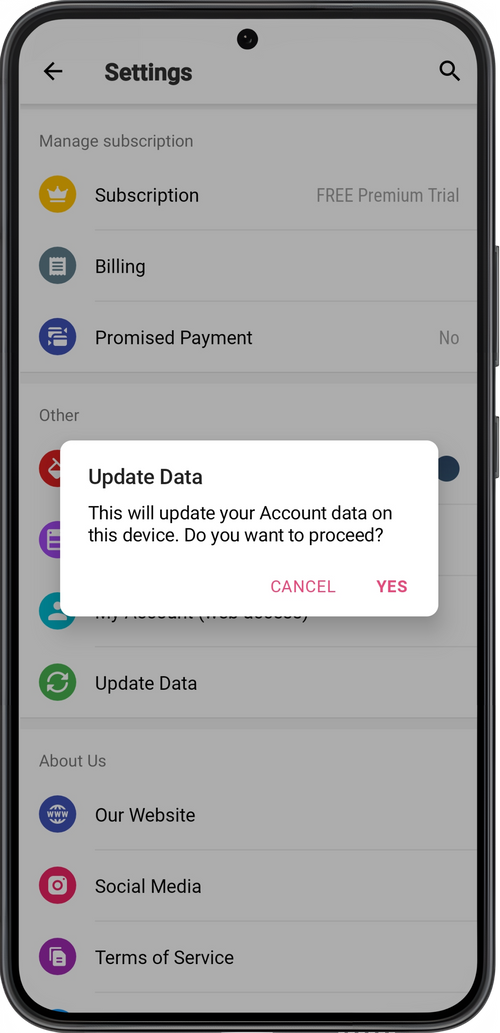
If you have noticed that some information has not been updated or displayed after changes (appointments, clients, statistics and other), update the information under Settings → Update Data.
💡 Your device must have stable access to the Internet.
There may be a delay in updating data. Don’t panic! If you have any questions after updating your data and need help, just send us a message in the Masters Support Team chat in the app.