

Share online booking page link
You can share your Online Booking Link under Settings → Online Booking Page.
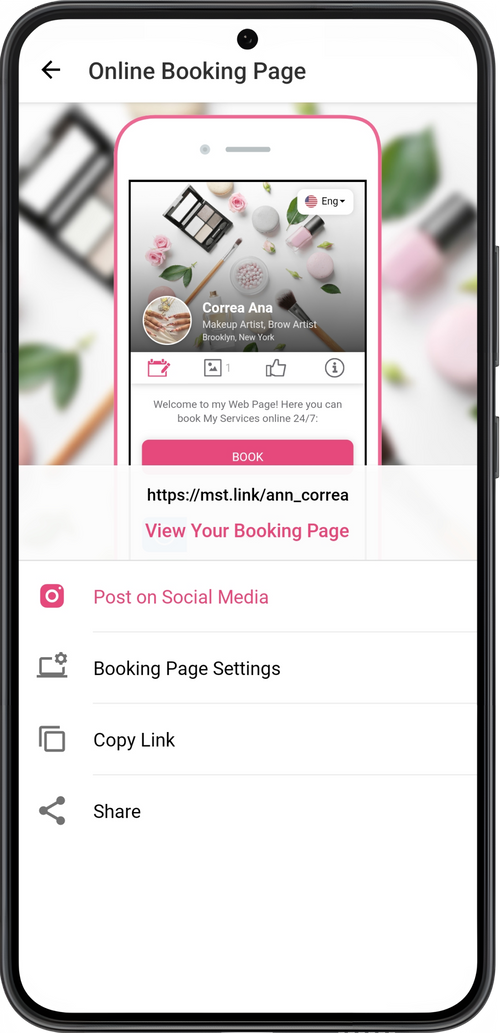
- You can share your link by sending a personal message to a client. Tap Share, select how to send (messaging app, text message, email, etc.), and the client. The template for sending a message with a link to the online booking page will be used.
- Tap Copy link or Post on Social Media if you want to post or share the link by another method.
💡 To create a QR-code for your online booking page, you can use other services.